Master Camera Battery Life: Essential Power Management for Extended Photography Sessions
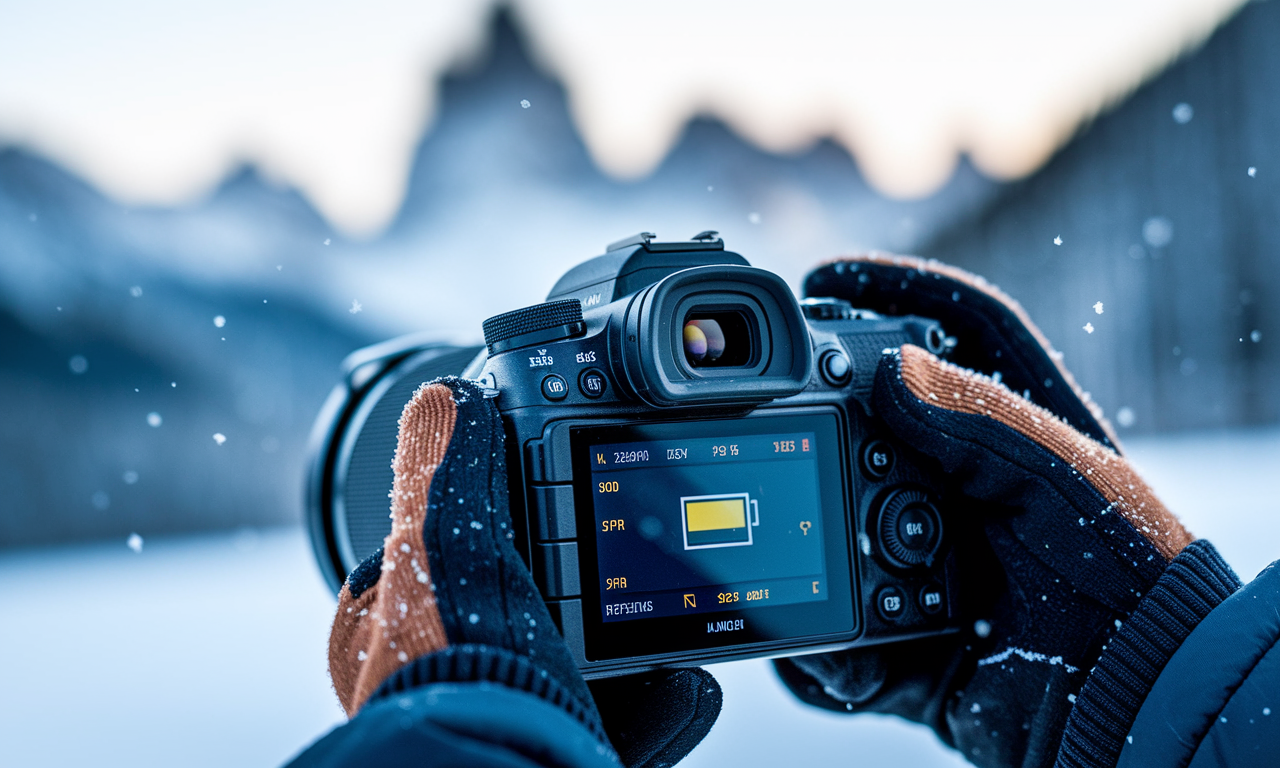
Camera battery life can make or break your photography session. Dead batteries mean missed shots and frustrated moments. Smart power management keeps your camera running when creativity strikes.
Modern cameras drain power faster than ever before. High-resolution sensors, LCD screens, and wireless features consume a lot of energy. Understanding power settings helps you shoot longer and capture more.
Cold weather photography presents unique challenges for battery performance. Temperature drops reduce battery capacity and shorten shooting time. Proper preparation and technique extend your camera's power in harsh conditions.
Step-by-Step Guide
Set Up Core Power Settings Camera
Start with your camera's power management menu. Find the auto power off setting first. Set it to turn off after two minutes of inactivity.
Turn off Wi-Fi and Bluetooth when not needed. These wireless features drain power constantly. Turn them on only for file transfers or remote control.
Reduce image stabilization settings to essential modes only. Turn off lens-based stabilization when using a tripod. Keep in-body stabilization for handheld shots only.
Manage LCD Battery Drain Effectively
LCD screens consume massive amounts of power. Reduce brightness to the lowest comfortable level. Bright screens drain batteries three times faster than dim ones.
Set LCD auto-off time to one second. This saves power between shots without disrupting your workflow. Use the viewfinder instead when possible.
Turn off live view histogram and grid displays. These features update constantly and drain power. Enable them only when you need precise composition help.
Prepare for Cold Weather Photography
Keep spare batteries warm in inside jacket pockets. Cold batteries hold less charge and discharge faster. Rotate batteries every hour to maintain power levels.
Use battery grips when available for cold weather shoots. They hold more batteries and provide better insulation. The extra power keeps your camera running longer.
Charge batteries to full capacity before heading out. Cold weather reduces usable capacity by a lot. Fresh, fully charged batteries give you the best starting point.
Practical Applications
Portrait Session Battery Optimization
Portrait sessions require consistent power for multiple hours. Turn off continuous autofocus between poses. Use single-point autofocus to reduce processor load.
Turn off image playback review to save power. Check images only when necessary for exposure or composition. This simple change extends shooting time a lot.
Landscape Photography Power Management
Landscape shoots often happen in remote locations. Carry extra batteries in waterproof cases. Plan your power usage for sunrise and sunset sessions.
Use manual focus for distant subjects to save power. Autofocus systems work harder on far objects. Set focus once and switch to manual mode.
Sports photography demands rapid shooting and quick autofocus. Use back-button focus to prevent constant autofocus hunting. This saves power and improves response time.
Tips & Tricks
Advanced Battery Optimization Techniques
Create custom shooting modes for different scenarios. Set up one mode for maximum battery conservation. Include reduced LCD brightness and minimal feature activation.
Use electronic first curtain shutter when available. This reduces mechanical stress and saves small amounts of power. Every bit helps during long shooting days.
Turn off GPS logging unless absolutely needed. Location data uses constant satellite connection. This feature can drain batteries surprisingly quickly.
Professional Shooting Duration Strategies
Monitor battery percentage throughout your shoot. Many cameras show power levels in the viewfinder. Swap batteries when levels drop below twenty percent.
Keep a battery log for different shooting conditions. Track how long batteries last in various weather. This helps you plan for future sessions more accurately.
Cold Weather Survival Techniques
Wrap cameras in insulating materials between shots. Camera wraps or thick towels help maintain temperature. Even small temperature increases improve battery performance.
Use hand warmers near battery compartments for extreme cold. Tape warmers to the camera body away from electronics. This gentle heat extends battery life a lot.
Sample Scenario
Winter Wedding Photography Challenge
Sarah faced a six-hour outdoor winter wedding in freezing temperatures. She needed reliable power for ceremony, portraits, and reception coverage. Standard battery life would not work.
Her preparation included four fully charged batteries kept warm in inside pockets. She set LCD brightness to minimum and turned off all wireless features. Auto power off was set to one minute.
During the ceremony, she used the viewfinder exclusively and manual focus for stationary shots. Battery rotation every thirty minutes kept power levels stable. She completed the entire event with power to spare.
Key Do's for Effective Usage
Essential Battery Optimization Practices
- Always carry at least two spare batteries for important shoots
- Charge batteries the night before every photography session
- Use power-saving custom modes for different shooting situations
- Keep spare batteries warm in cold weather conditions
- Monitor battery levels throughout your shooting session
Smart Power Management Habits
- Turn off camera completely during long breaks between shots
- Use viewfinder instead of LCD screen when possible
- Turn off features you do not need for each specific shoot
- Clean battery contacts regularly for optimal power transfer
- Replace old batteries that no longer hold full charge
Common Mistakes to Avoid
Power-Draining Habits to Break
Never leave wireless features enabled when not actively using them. Wi-Fi and Bluetooth search for connections constantly. This drains power even when the camera appears idle.
Avoid checking images too much after every shot. Constant image review keeps the LCD screen active unnecessarily. Check images only when you need to verify exposure or composition.
Do not use maximum LCD brightness in normal conditions. Bright screens drain batteries rapidly without providing big benefits. Adjust brightness based on ambient lighting conditions.
Cold Weather Photography Errors
Never leave batteries in the camera overnight in cold cars. Extreme cold permanently reduces battery capacity. Always remove batteries and store them in warm locations.
Avoid rapid temperature changes for batteries and cameras. Condensation can damage electronics and reduce battery performance. Allow gradual temperature adjustment when moving between environments.
Troubleshooting & FAQs
Battery Life Problems and Solutions
Q: My camera battery drains faster than expected. What should I check first?
Check your power settings menu and turn off unnecessary features. Wi-Fi, GPS, and image stabilization consume a lot of power. Also verify your LCD brightness is not set too high.
Q: How can I tell if my battery needs replacement?
Old batteries hold less charge and drain quickly. If your battery lasts less than half its original time after full charge, consider replacement. Most camera batteries last two to three years with regular use.
Q: Why does cold weather affect camera battery life so much?
Cold temperatures slow chemical reactions inside lithium-ion batteries. This reduces available power and increases internal resistance. Keeping batteries warm helps maintain normal performance levels.
Advanced Troubleshooting Tips
Q: My camera shows full battery but shuts down unexpectedly. What causes this?
This usually indicates battery calibration issues or old batteries. Try fully discharging and recharging the battery. If problems persist, the battery likely needs replacement.
Q: Should I remove the battery when storing my camera long-term?
Yes, remove batteries during storage periods longer than one month. Store batteries at room temperature with partial charge. Full discharge or overcharge can damage lithium-ion batteries permanently.
Bringing It All Together
Creating Your Personal Power Management System
Effective camera battery life management starts with understanding your specific needs. Different photography styles require different power strategies. Portrait photographers need consistent power while landscape photographers face weather challenges.
Develop custom camera settings for various scenarios. Save these as custom modes for quick access. Include power-saving features appropriate for each shooting style and environment.
Long-term Battery Health Strategies
Proper battery care extends their useful life a lot. Store batteries properly, avoid extreme temperatures, and replace them when performance degrades. Quality batteries are investments in reliable photography sessions.
Master photographers never let dead batteries stop their creativity. Smart power management becomes second nature with practice. Your camera battery life improvements will transform how confidently you approach every shoot.