Quick Photo Tips: 12 Simple Ways to Take Better Photos
📝 Step-by-Step Guide: Quick Photo Tips
Introduction and How to Use This Guide
This guide provides practical Quick Photo Tips you can apply immediately to improve photos, whether you shoot with a smartphone or a mirrorless camera. In addition to clear steps, you will find settings, troubleshooting, and workflow advice. Therefore, read the short sections that match your needs and practice deliberately.
Tip 1 — Master the Exposure Triangle (Aperture, Shutter Speed, ISO)
What to do: switch to Manual or Pro mode. Then control aperture for depth of field, shutter speed for motion, and ISO for noise. Why it matters: controlling exposure lets you shape image mood and sharpness. For smartphone photo tips, use Pro apps or exposure compensation.
- Aperture: f/1.8–f/2.8 for portraits; f/8–f/16 for landscapes.
- Shutter: 1/500s+ for sports; 1/125s for handheld portraits; 1/30s+ with stabilization.
- ISO: keep as low as possible; raise only to achieve correct exposure.
- Verify with the histogram and protect highlights first.
Tip 2 — Use Composition Rules: Rule of Thirds, Leading Lines
What to do: enable the 3×3 grid and place subjects on intersections. Use leading lines and frames to guide the eye. Why it matters: composition directs viewer attention and strengthens storytelling.
Tip 3 — Optimize Lighting: Natural and Artificial
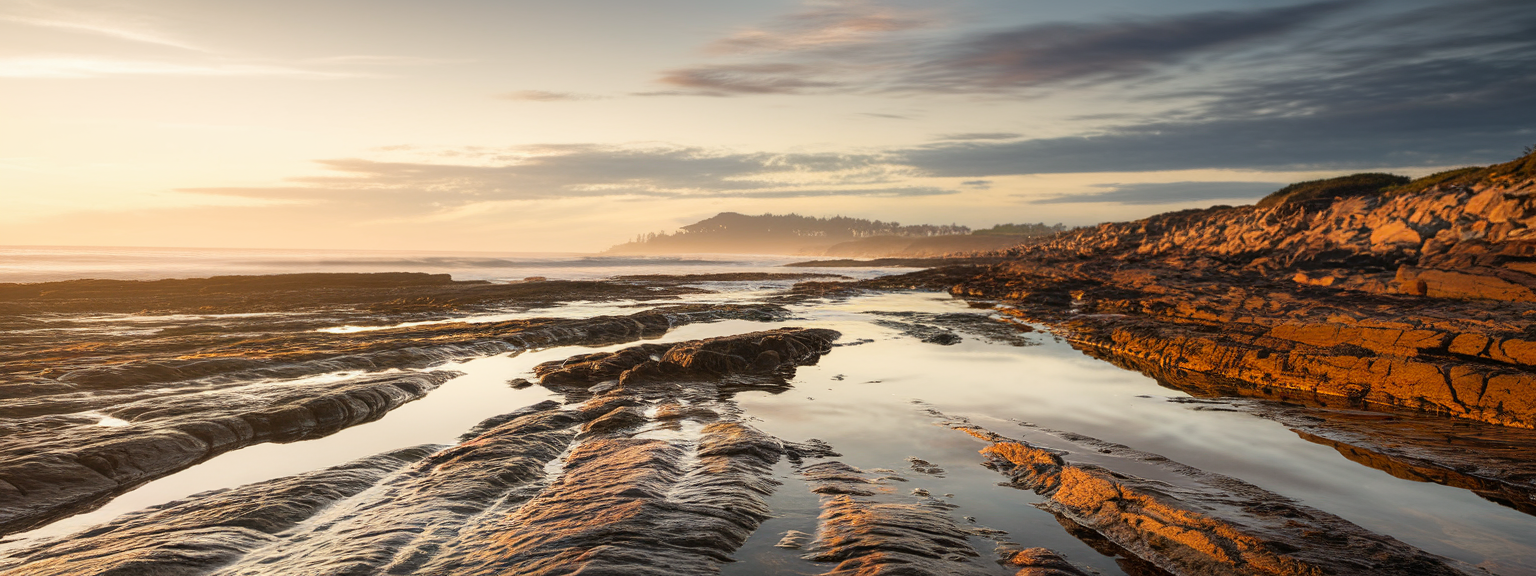
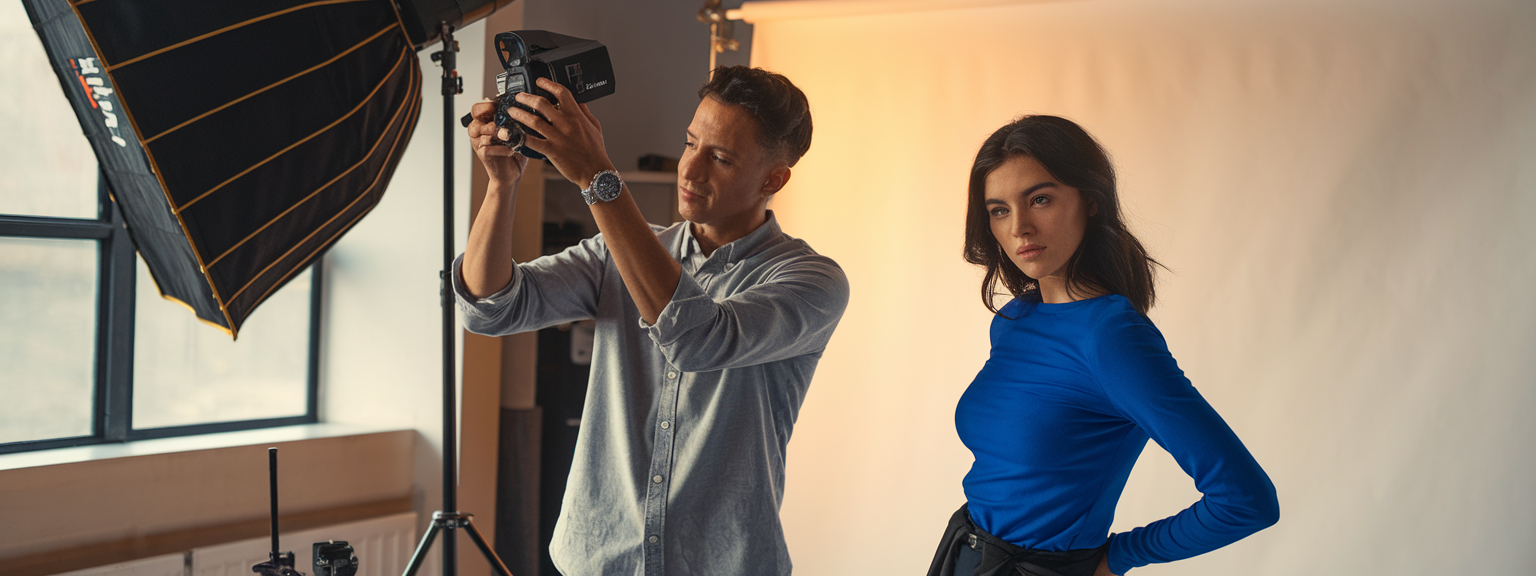
What to do: evaluate light direction and quality. Use golden hour for soft warmth. For harsh light, create shade or diffuse. For indoor shoots, place the subject near a window and use a reflector for fill. Why it matters: lighting controls mood, texture, and perceived quality of your images.
Tip 4 — Focus Precisely and Use Autofocus Modes
What to do: choose AF-S for still subjects, AF-C for motion, and Eye/Face AF for portraits. On smartphones, tap to focus and hold to lock AE/AF. Why it matters: correct focus—especially on the eyes—creates perceived sharpness and professionalism.
Tip 5 — White Balance, Color Management, and RAW
What to do: set white balance to match the light or shoot RAW to adjust later. Use a gray card in mixed lighting. Why it matters: accurate white balance keeps skin tones natural and colors true, allowing easier photo editing later.
Tip 6–12 — Lenses, Cleaning, Editing, Burst, Backgrounds, Storytelling
- Use appropriate lenses: 50–85mm for portraits; 16–35mm for landscapes.
- Keep lenses and sensors clean to prevent flare and softness.
- Learn a simple editing workflow: white balance, exposure, contrast, local corrections.
- Use burst mode for unpredictable action and pick the decisive frame later.
- Eliminate background distractions by changing angle or using shallow depth-of-field.
- Compose for storytelling: combine environment and subject to convey context.
📌 Practical Applications: Quick Photo Tips
Family Portraits — Indoor and Outdoor Workflows
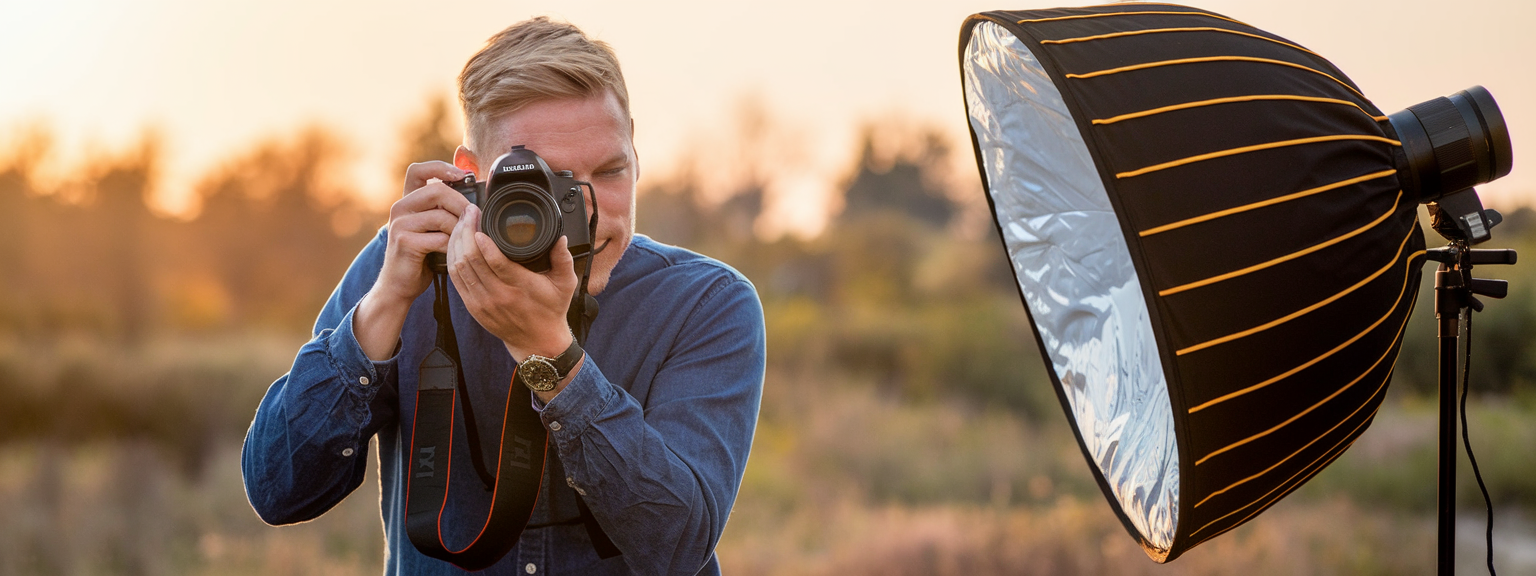
Outdoor: shoot during golden hour. Use aperture f/2.8–f/4 to separate subjects from background. Use backlight for rim glow and a reflector for fill. Indoor: place subjects near a window with diffused light. Use f/2.8–f/4 and shutter 1/160s to keep faces sharp. Shoot RAW for white balance corrections.
Travel & Landscape Strategy
Use f/8–f/11 for depth of field and ISO 100 for clean images. Employ a tripod and polarizer to deepen skies. Include a foreground element to create depth. For smartphone photo tips, stitch bracketed exposures with third-party apps to improve dynamic range.
Street, Candid, and Event Shooting
Use a 35mm or 50mm prime for unobtrusiveness. Choose f/5.6 for a balance of sharpness and subject separation. Keep shutter speed at or above 1/250s to freeze motion. For smartphones, pre-focus and use discreet angles to avoid disrupting scenes.
Low Light and Night Techniques
For landscapes and cityscapes, use a tripod and long exposures. For handheld shots, prefer fast lenses (f/1.8–f/2.8) and balance ISO with acceptable noise. Use noise reduction sparingly in post. Shoot RAW to retain highlight detail.
Which of these practical workflows will you try this week to improve photos in your portfolio?
Use these practical applications to test specific Quick Photo Tips. For example, try backlighting with a reflector for portraits. Also, practice shooting RAW on your phone to see the benefits in post. In addition, compare edited images to unedited versions to learn the impact of processing.
💡 Tips & Tricks: Quick Photo Tips
Advanced Lighting and Composition Hacks
- Use EVF on mirrorless cameras for real-time exposure previews; therefore you can refine exposure and white balance quickly.
- Employ negative fill (black foam board) to deepen shadows and add mood to portraits.
- Try DIY diffusers—tracing paper or coffee filters—to soften smartphone flash output.
- Use spot metering for backlit subjects and protect highlights by exposing for the brightest parts of the scene.
- Leverage burst with buffer control; however, be mindful of RAW buffer limits during long sequences.
Put this into action now: enable grid overlays and shoot three variations—rule of thirds, centered, and with leading lines—to compare results.
In addition to these tips, adopt simple habits: clean lenses before a shoot and charge extra batteries. Use presets sparingly and tailor each edit. For smartphone photo tips, prefer the main lens and avoid digital zoom. Finally, document what works so you can repeat it reliably.
📸 Sample Scenario
Engagement Session — Full Workflow Example
Pre-shoot: scout the site and note sun direction. Plan to shoot 45 minutes before sunset. Prepare two batteries and two memory cards. Set a goal for the session, such as cinematic wide shots and intimate close-ups.
- Camera setup: 50mm f/1.8 and 24–70mm f/2.8. Start at f/2.8, shutter 1/200–1/400s, ISO 100. Enable Eye AF and grid overlay.
- Lighting: position the couple with sun behind for rim light. Use a 1-stop reflector or low-power speedlight for fill.
- Shooting: capture a mix of wide at f/8, mid-length at f/2.8, and tight portraits. Use burst for movement and candid interactions.
- Editing: import RAW to Lightroom Classic. Correct exposure and white balance. Apply gentle color grading and local dodging/burning for depth.
As a result, the session yields a coherent gallery: cinematic environmental shots and intimate portraits with consistent color. Use these Quick Photo Tips to reproduce the workflow on future shoots.
✅ Key Do’s for Effective Usage
- Do enable grids and guide overlays to improve framing.
- Do shoot RAW whenever possible to retain editing flexibility.
- Do prioritize light—move subjects into better light before relying on editing.
- Do practice manual exposure to gain control over the final image.
- Do back up images immediately using a 3-2-1 method for safety.
❌ Common Mistakes to Avoid
Mistakes, Consequences, and Fixes
- Mistake: relying solely on Auto. Fix: use aperture or shutter priority and learn manual exposure.
- Mistake: soft eyes in portraits. Fix: single-point AF on the nearest eye or enable Eye AF; check focus at 100% on the LCD.
- Mistake: overediting. Fix: reduce clarity and saturation; check edits on multiple devices.
- Mistake: busy backgrounds. Fix: reposition, change angle, or use wider aperture to blur distractions.
🔄 Troubleshooting & FAQs
Exposure Problems
Q: My photos are too dark or too bright — how do I fix exposure problems? A: Use exposure compensation in semi-auto modes. Check the histogram. If it’s left-heavy, increase exposure; if right-heavy, reduce exposure. For difficult scenes, bracket by ±1–2 stops.
Sharpness and Focus Issues
Q: Why are my portraits not sharp? A: Confirm focus point on the nearest eye. Use a shutter speed at least the focal length (reciprocal rule) and ensure the lens is clean. If subjects move, increase shutter speed and use continuous AF.
Smartphone Photo Tips and Noise
Q: How do I take better smartphone photos? A: Use the main lens, enable grid, lock exposure, and shoot RAW/DNG when available. Stabilize with a mini-tripod for low light and avoid digital zoom. For noise, use longer exposures on a tripod rather than cranking ISO.
AI Tools and Productivity
Q: What are the best AI tools for productivity? A: Use Notion AI for organization, ChatGPT for caption and blog drafting, Descript for audio/video editing, Adobe Sensei (in Lightroom/Photoshop) for automated masks, and Luminar AI for rapid enhancements. These tools accelerate administrative and editing tasks so you can focus on creativity.
Retaining Sky Detail in Backlit Portraits
Q: My background looks blown out in backlit portraits — how do I retain sky detail? A: Use fill flash or a reflector while exposing for the sky. Alternatively, bracket and blend exposures in post. Always shoot RAW to maximize highlight recovery.
🖼️ Bringing It All Together
A Repeatable, Consistent Workflow
Create a checklist: define goals, scout, set gear, and choose base camera settings (RAW, grid, base ISO). On location, prioritize light, capture variety, and bracket when necessary. In post, do global corrections first and then apply local enhancements. Finally, archive and back up with a reliable 3-2-1 method.
Ready to improve photos regularly? Join our community, share your work, and request a personalized checklist for your camera or smartphone.
Consistent practice of these Quick Photo Tips produces measurable improvement. Start small: focus on light this week and composition the next. Over time, your technical control and storytelling will both improve.
![[Photographer capturing sunrise over coastal cliffs with camera — travel photography tips in practice]](https://lenslesson.com/wp-content/uploads/2025/12/travel-photography-tips-sunrise-cliffs-camera.png "[Travel Photography Tips Sunrise Shot]")
![[Photographer capturing candid subjects at a busy city crosswalk for street photography]](https://lenslesson.com/wp-content/uploads/2025/12/street-photography-candid-crosswalk-urban.png "[Street Photography Crosswalk]")
![[Photographer using high shutter speed to capture an athlete mid-jump in sharp action shots with a blurred background]](https://lenslesson.com/wp-content/uploads/2025/12/action-shots-pro-tips-freeze-motion.png "[Action Shots Athlete Mid-Jump]")
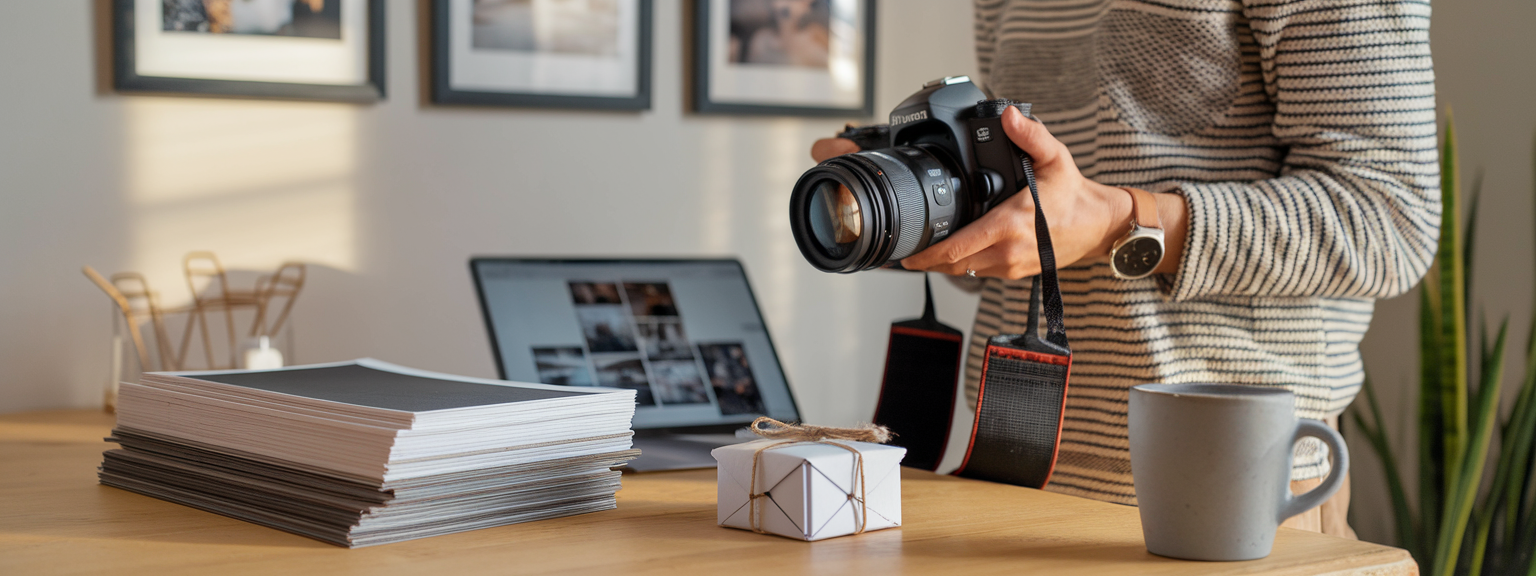
![[Flat-lay of must-have photography gear including camera, lenses, tripod, camera bag, and lighting accessories]](https://lenslesson.com/wp-content/uploads/2025/12/must-have-photography-gear-flatlay.png "[Must-Have Photography Gear Flatlay]")
![[Close-up of a ladybug on a leaf showcasing macro photography detail and texture]](https://lenslesson.com/wp-content/uploads/2025/12/macro-photography-ladybug-close-up.png "[ladybug-macro-photography]")