Getting Started With Camera: Complete Beginner’s Guide to Your First Shots — getting started with camera
📝 Step-by-Step Guide: Getting Started With Camera
Getting started with camera requires a clear, ordered approach. In this step-by-step guide you will learn camera basics and a practical camera setup guide that makes your first shoots reliable and repeatable. Read the steps in order, and practice each one to build confidence.
Step 1 — Unbox, Charge, and Attach
- Charge the battery fully before first use. Modern batteries perform best after a full initial charge.
- Insert a high-quality memory card suitable for the camera. For many mirrorless cameras, choose UHS-II SD cards; for high-speed video or burst shooting, use CFExpress where supported.
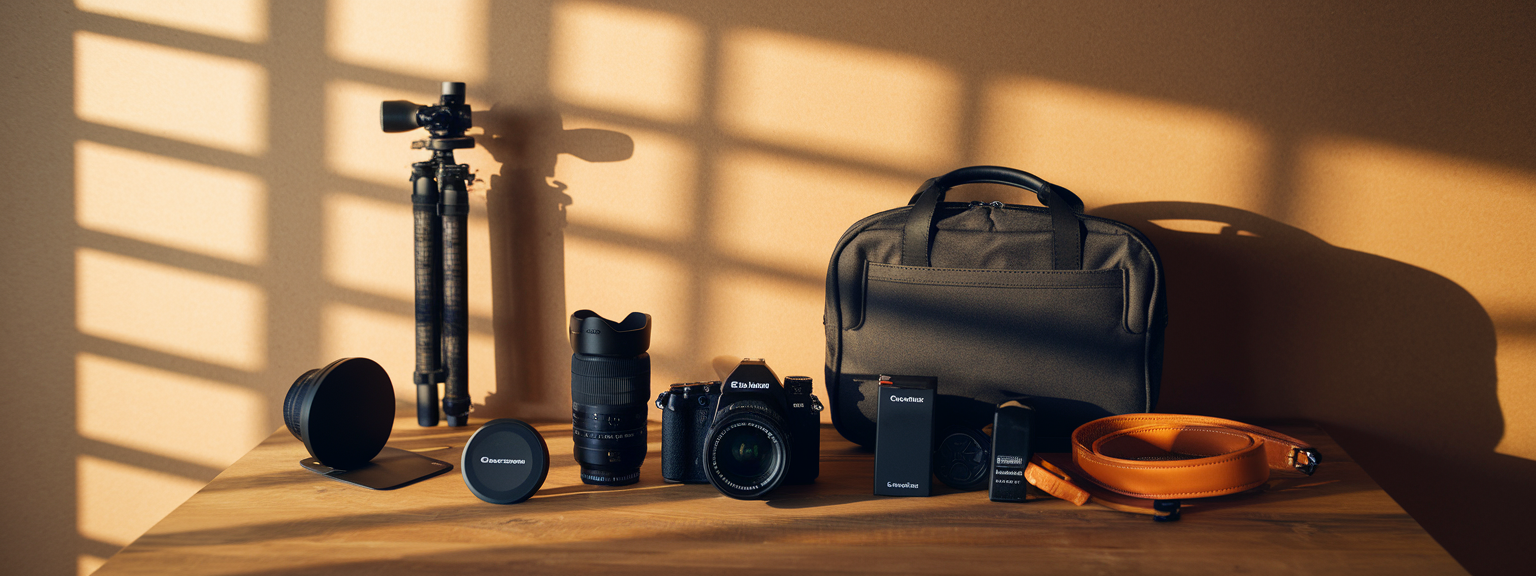
- Attach your kit lens (for example, 18–55mm or 24–70mm), or a 50mm prime for simple tests. Confirm the lens clicks into place and the electrical contacts are clean.
Step 2 — Set Date, Time, and Format
Enter the correct date and time to keep metadata accurate for future sorting. Next, set the file format. Choose RAW for maximum editing latitude. However, if you need immediate JPEGs for sharing, set RAW+JPEG.
Step 3 — Learn the Shooting Modes
Understand Auto, Program (P), Aperture Priority (A/Av), Shutter Priority (S/Tv), and Manual (M). Start in Aperture Priority to control depth of field. Then practice Shutter Priority for motion, and end sessions in Manual to tie everything together.
Step 4 — Understand the Exposure Triangle
The exposure triangle — aperture, shutter speed, and ISO settings — is central to camera basics. Aperture controls depth of field. Shutter speed controls motion. ISO controls sensor sensitivity. Learn these relationships deliberately; for example, when you open aperture to f/1.8, you reduce depth of field and allow more light, so you can use a lower ISO or faster shutter.
Step 5 — Configure Autofocus Basics
- AF Mode: Use Single (AF-S/One Shot) for still subjects and Continuous (AF-C/AI Servo) for moving subjects.
- AF Area: Use single-point AF for precise focus, zone AF for small group action, and tracking modes for erratic motion.
- Back-button focus improves control by separating focus from the shutter release. Assign AF to the rear AF-ON button when possible.
Step 6 — White Balance, Metering, and Picture Style
Set white balance to Auto for general shooting, or select presets like Daylight/Cloudy for consistency. Use matrix (evaluative) metering for general scenes. For tricky lighting, switch to spot metering to expose for the subject. Picture profiles affect JPEGs; for RAW, they are only previews but still useful.
Step 7 — Check Histogram and Exposure Compensation
Rely on the histogram, not the LCD, to judge exposure. Avoid clipping highlights. In P/A/S modes use exposure compensation (+/−) to fine-tune brightness without switching to Manual mode.
Step 8 — Compose Using Composition Tips
Apply composition tips such as the rule of thirds, leading lines, framing, negative space, and symmetry. Move your feet to change perspective. For portraits, use headroom and leave space in the frame for the subject’s movement.
Step 9 — Review and Iterate
After each frame, zoom to 100% to confirm focus. Adjust aperture, shutter speed, and ISO as needed. Experiment with autofocus area settings and different compositions until you consistently get sharp, well-exposed photos.
Step 10 — Backup and Workflow
- Back up cards immediately to two locations — a physical drive and cloud storage.
- Adopt a simple post-processing workflow: import RAW files into Lightroom or Capture One, correct exposure and white balance, then perform local edits.
📌 Practical Applications: Getting Started With Camera
Once you master camera basics and the camera setup guide, apply the knowledge to real shooting situations. Below are practical settings and techniques for common genres, so you can practice deliberately and see consistent improvement.
Portraits (Indoor & Outdoor)
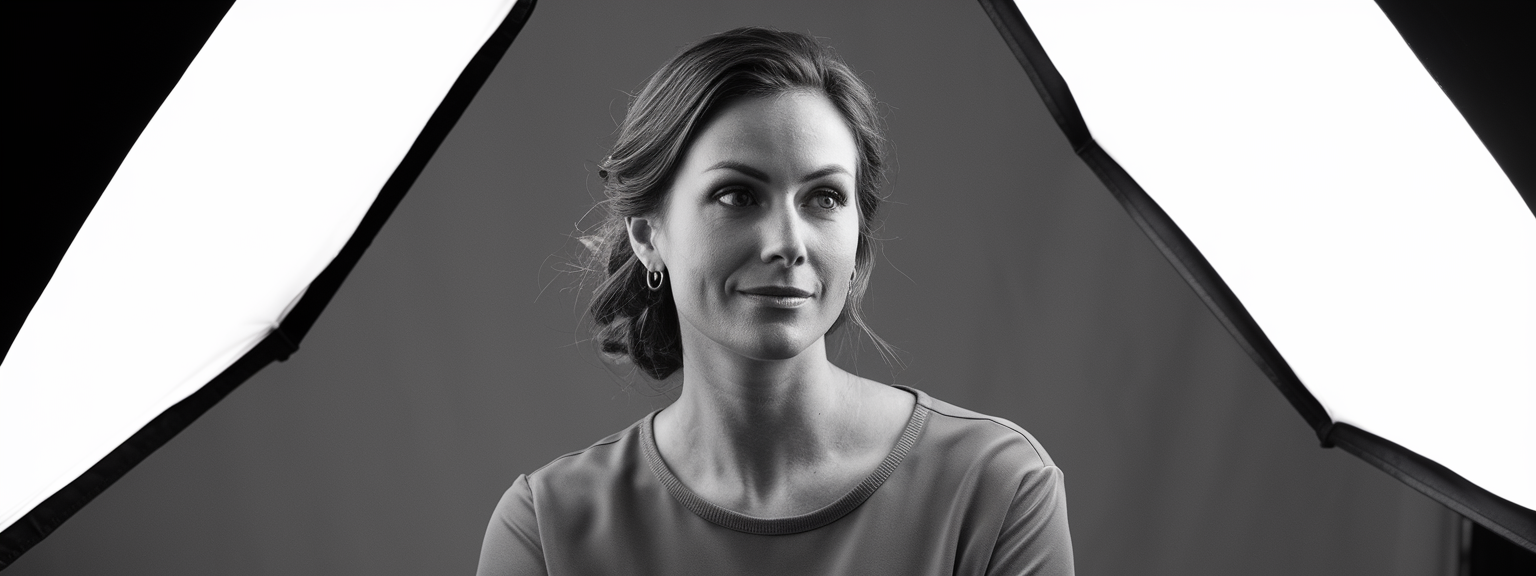
- Lens: 50mm or 85mm prime provides flattering perspective and subject separation.
- Mode: Aperture Priority; choose f/1.8–f/4 for shallow depth of field.
- ISO: 100–400 outdoors, 400–1600 indoors depending on light levels.
- Shutter Speed: Keep above 1/125s for handheld portraits; use faster speeds for movement.
- Focus: Use single-point AF on the nearest eye; back-button focus helps when recomposing.
Landscape Photography
- Lens: Wide-angle 16–35mm for expansive scenes and foreground emphasis.
- Mode: Aperture Priority or Manual; set f/8–f/16 to maximize depth of field.
- ISO: 100–200 to minimize noise and preserve dynamic range.
- Focus: Use hyperfocal distance or focus stacking techniques to achieve edge-to-edge sharpness.
Action and Sports
- Lens: 70–200mm telephoto or fast zoom with good AF tracking.
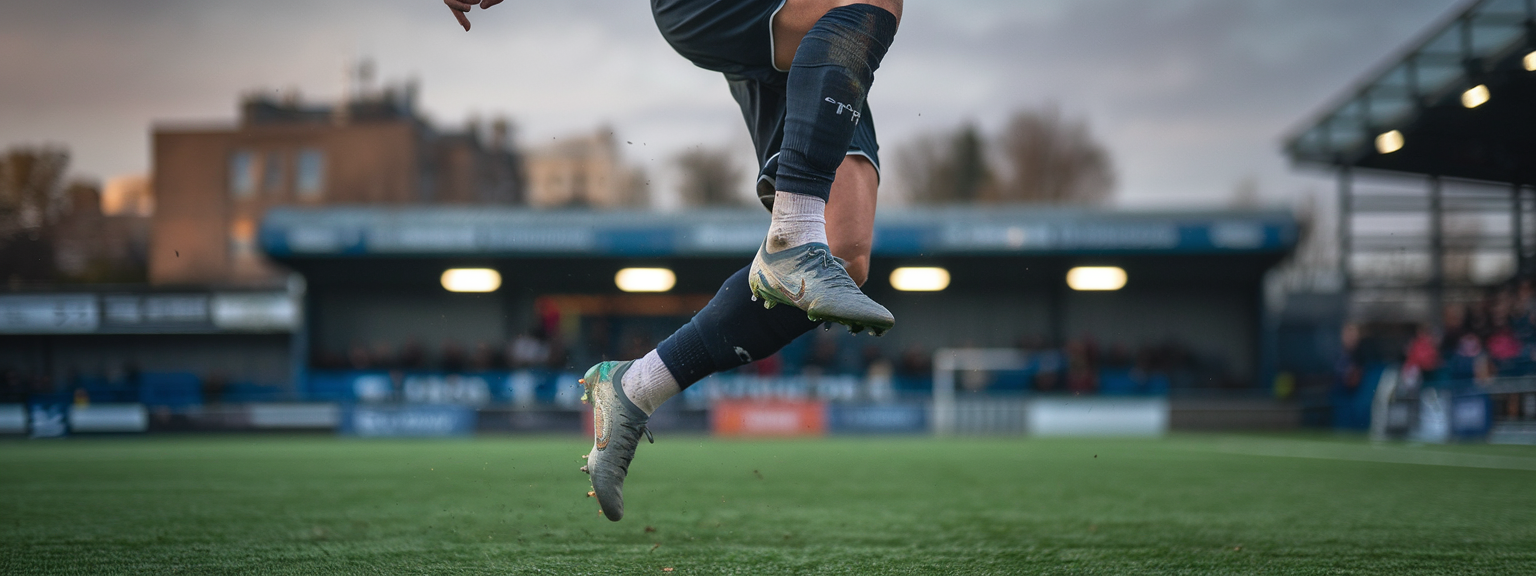
- Mode: Shutter Priority; start at 1/500s for medium sports and increase for fast action.
- ISO: Increase as needed; modern full-frame cameras handle 1600–6400 well, however test your camera to find acceptable noise levels.
- Focus: Continuous AF with tracking and high burst mode will improve keeper rates.
Low Light & Night
- Lens: Fast prime (f/1.4–f/2) helps capture more light and achieve shallow depth of field.
- Mode: Manual or Aperture Priority; use tripod for long exposures and Manual for total control.
- Shutter Speed: Apply the reciprocal rule for handheld shooting: shutter ≥ 1 / focal length, adjusted for crop factor.
- Focus: Use live view magnification to confirm accurate focus when AF struggles.
Practice deliberately: set a small goal such as “shoot 50 portrait frames focusing on eye sharpness” or “capture three landscapes using hyperfocal focus.” These focused tasks accelerate learning far more than unfocused shooting.
💡 Tips & Tricks: Getting Started With Camera
These practical tips and tricks reinforce camera basics and help you adopt efficient habits. Apply them gradually; small changes lead to significant improvements.
Become a Manual Mode Minimalist
Start in Aperture Priority to learn depth of field. Then practice Manual mode for 10–15 minutes each shoot. For example, set an aperture and shutter, then adjust ISO to balance the histogram. This targeted practice builds exposure intuition.
Use Back-Button Focus
Assign focus to the AF-ON button to separate focusing from the shutter. This helps when recomposing and improves continuous tracking performance.
Lock Exposure & Recompose
Meter on your subject, lock exposure, then recompose. This keeps skin tones and subjects correctly exposed in high-contrast scenes.
Bracket Exposures for High Contrast
When dynamic range is wide, shoot ±1 or ±2 EV brackets and merge later. This preserves highlight and shadow detail in sunrise and backlit scenes.
Use a Lens Hood and Microfiber Cloth
Protect your lens with a hood to reduce flare. Always carry a microfiber cloth to clean front elements; dust and smudges reduce contrast and sharpness.
Learn the Histogram, Not Just the LCD
The histogram reflects the true exposure. In bright conditions the LCD preview can mislead. Learn to nudge exposure via histogram feedback.
📸 Sample Scenario
The following sample scenario demonstrates how to apply the camera setup guide, the exposure triangle, and autofocus basics in a real shoot. This practical example shows settings, rationale, and troubleshooting steps.
Scenario: Golden Hour Outdoor Portrait
Goal: Create warm, glowing portraits with subject isolation and clear catchlights. Use backlighting and a reflector to balance exposure and maintain detail.
Gear and Initial Settings
- Camera: Mirrorless or DSLR; full-frame preferred but APS-C is fine.
- Lens: 85mm f/1.8 or 50mm f/1.4 for flattering compression and subject separation.
- Mode: Aperture Priority, set f/2.0–f/2.8. ISO 100–400. White balance: Cloudy or 5600–6200K for warm tones.
Shooting Sequence
- Position the subject with the sun behind them to create rim light.
- Bounce fill light with a reflector to restore detail on the face and create catchlights in the eyes.
- Meter on the face using spot metering, then use exposure compensation (+0.3 to +1.0 EV) if you want brighter skin tones.
- Take multiple frames, vary aperture and distance, and check the histogram to avoid highlight clipping in the sky.
Post-Processing Checklist
- Import RAW and set white balance to taste. Recover highlights and refine exposure.
- Use local adjustments to enhance eyes, add gentle skin smoothing, and increase subject micro-contrast while preserving background softness.
- Export high-resolution files and a web-friendly JPEG for sharing, then back up originals and edits.
✅ Key Do’s for Effective Usage
These practical ‘do’ items are fundamental when getting started with camera and establishing reliable habits.
- Do shoot RAW for maximum editing flexibility and better recovery of highlights and shadows.
- Do learn to read the histogram; it provides an accurate exposure assessment.
- Do practice Manual mode regularly to build intuition about aperture, shutter, and ISO settings.
- Do use a tripod for landscapes, macro, and long exposure night work.
- Do clean your sensor and lenses carefully; dust shows up on long exposures and uniform skies.
- Do back up your photos immediately after shooting — maintain at least two copies.
- Do read your camera manual to discover custom buttons and features you will use often.
❌ Common Mistakes to Avoid
Beginners commonly make predictable mistakes. Recognize these errors early so you can avoid them and improve faster.
Mistake 1 — Auto Everything
Relying exclusively on Auto mode prevents learning the exposure triangle and how lens choice affects depth of field. Use Auto to learn composition, then take control.
Mistake 2 — Not Checking Focus at 100%
Always zoom to 100% on playback to verify critical focus. The LCD preview can be misleading and hide small focus errors.
Mistake 3 — Overusing High ISO Without Testing
Higher ISO adds noise. Test your camera to determine acceptable ISO limits and apply noise reduction conservatively in post.
Mistake 4 — Ignoring the Background
A distracting background can ruin a technically correct exposure. Move, change perspective, or increase aperture to blur distractions using aperture and shutter speed choices strategically.
🔄 Troubleshooting & FAQs
Below are common problems encountered when getting started with camera, followed by clear fixes and voice-search friendly FAQs. Use these tips to resolve issues quickly and get back to shooting.
Problem: Photos are blurry
- Check autofocus mode and area. Switch to AF-S for still subjects and confirm single-point AF is on the correct subject area.
- Increase shutter speed to follow the reciprocal rule or use image stabilization or a tripod.
- Confirm lens and sensor are clean; dirty optics reduce contrast and perceived sharpness.
Problem: Images too dark or too bright
- Check exposure compensation in P/A/S modes and adjust in small increments.
- Use the histogram to confirm exposure and avoid clipping highlights.
- Change metering to spot for precise subject exposure in high-contrast scenes.
Problem: Autofocus hunting in low light
- Enable AF assist light if available, or switch to manual focus and use live view to magnify and focus accurately.
- Use a faster lens (wider aperture) to let more light reach the AF system, which improves lock speed.
FAQs — Voice Search Friendly
How do I get started with a camera as a complete beginner? Start by reading your camera manual, charge the battery, format a memory card, set to Aperture Priority, and practice changing aperture to observe depth of field effects.
What camera basics should I learn first? Learn the exposure triangle, how aperture and shutter speed affect images, ISO settings, autofocus basics, and white balance. Practice each in simple scenarios like portraits and landscapes.
How do I troubleshoot focus shift between lenses? Test lenses on a tripod and use a focus calibration chart. Some DSLRs allow AF microadjustment; mirrorless cameras often enable lens-specific adjustments in-camera.
What are the best AI tools for productivity in photography? Use ChatGPT for caption writing and ideation, Adobe Sensei in Lightroom/Photoshop for automated adjustments, and Luminar Neo for AI-based enhancements. These tools accelerate workflow but verify edits manually to preserve creative intent.
🖼️ Bringing It All Together
Getting started with camera is a process of deliberate practice. Combine the camera setup guide, the exposure triangle, and autofocus basics into repeated, short practice sessions. As a result you will gain technical skill and develop a visual style.
Use the 30-day practice plan: begin with camera basics, then build to composition, low-light, and post-processing. Keep a log of settings and results; over time you will see consistent improvement and greater creative control when shooting.
Keep experimenting with aperture and shutter speed combinations, and test ISO settings so you understand noise trade-offs on your camera. In addition, study images you admire and reproduce them to learn composition and lighting decisions.
If you found this guide useful, return to the Practical Applications section and pick a new genre to practice. Consistent, small improvements are more effective than occasional large efforts.
Finally, keep your camera close. The best camera is the one you know how to use well. Practice daily, review your work, and refine both technique and creative intent as you progress.
![[Photographer editing a vibrant landscape on a monitor, demonstrating techniques for stunning images]](https://lenslesson.com/wp-content/uploads/2025/12/advanced-stunning-images-editing-workflow.png "[Stunning Images Editing Workflow]")
![[Photographer using a telephoto lens to capture a fast break at a basketball game — Sports Photography]](https://lenslesson.com/wp-content/uploads/2025/12/sports-photography-action-shot-telephoto-basketball.png "[sports-photography-action-shot]")
![[Photographer capturing sunrise landscape during a travel photography trip with a mirrorless camera]](https://lenslesson.com/wp-content/uploads/2025/12/travel-photography-sunrise-shot-essentials.png "[Travel photography sunrise capture]")
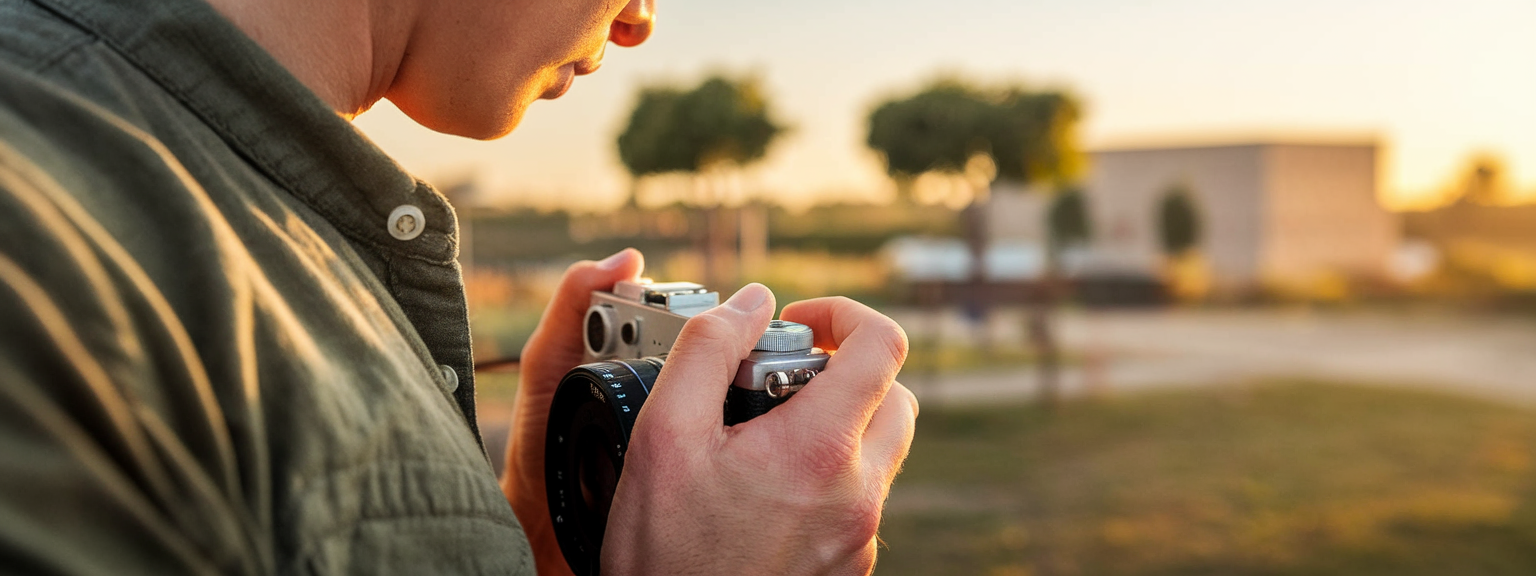
![[Close-up of a photographer adjusting camera settings - Photo Tips for sharper shots]](https://lenslesson.com/wp-content/uploads/2025/12/photo-tips-better-photos-smartphone-composition.png "[Photo Tips Sharper Shots]")
![[Photographer capturing a candid moment on a busy city sidewalk — street photography scene]](https://lenslesson.com/wp-content/uploads/2025/12/street-photography-candid-urban-moment.png "[Urban Street Photography Moment]")