
Portrait Photography: Perfecting Your Portrait Shots — Lighting, Posing & Editing
📝 Step-by-Step Guide: Portrait Photography
Introduction & Planning
Portrait photography is both technical and interpersonal. In the pre-shoot phase you must clarify the client brief, identify the use case (headshot, editorial, or environmental portrait), and gather mood references. Therefore, assemble a concise shot list with 8–15 priority frames. For consistency, capture reference images of lighting and a gray card for color accuracy.
Gear & Technical Baseline
- Camera: Shoot RAW for maximum editing latitude and consistent color grades.
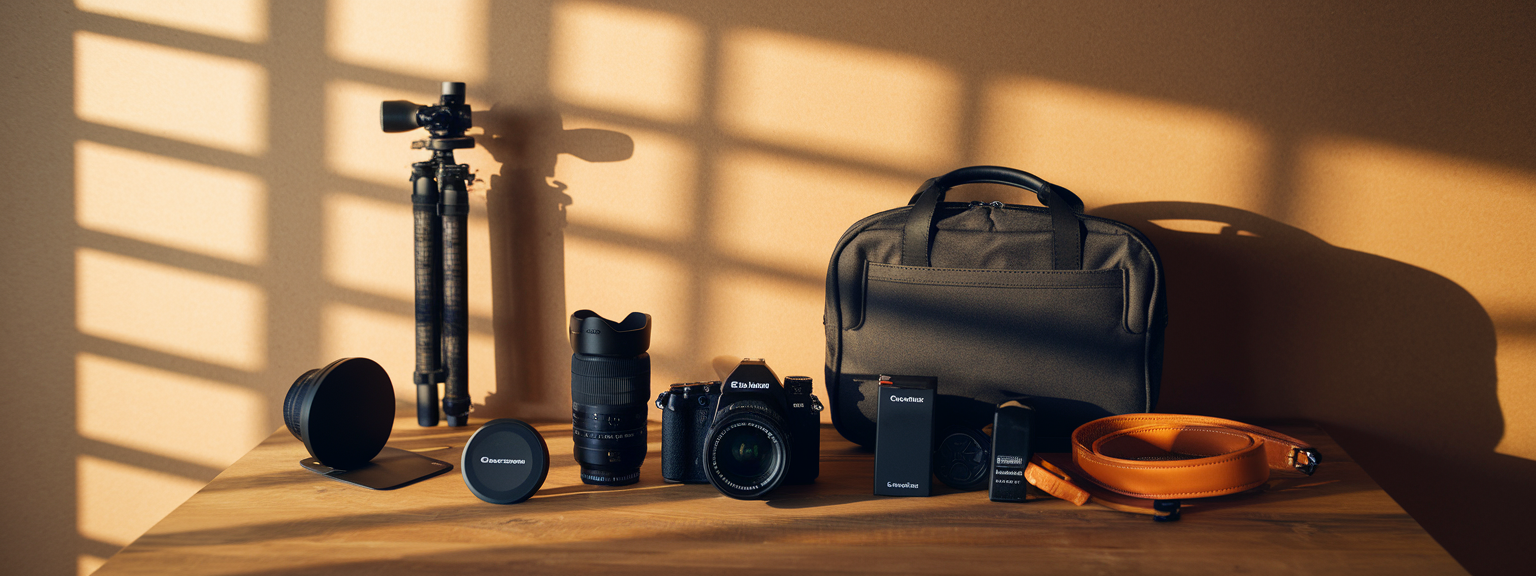
- Lenses: Use 85–135mm on full-frame for flattering compression; 50mm for versatility; 35mm for environmental context.
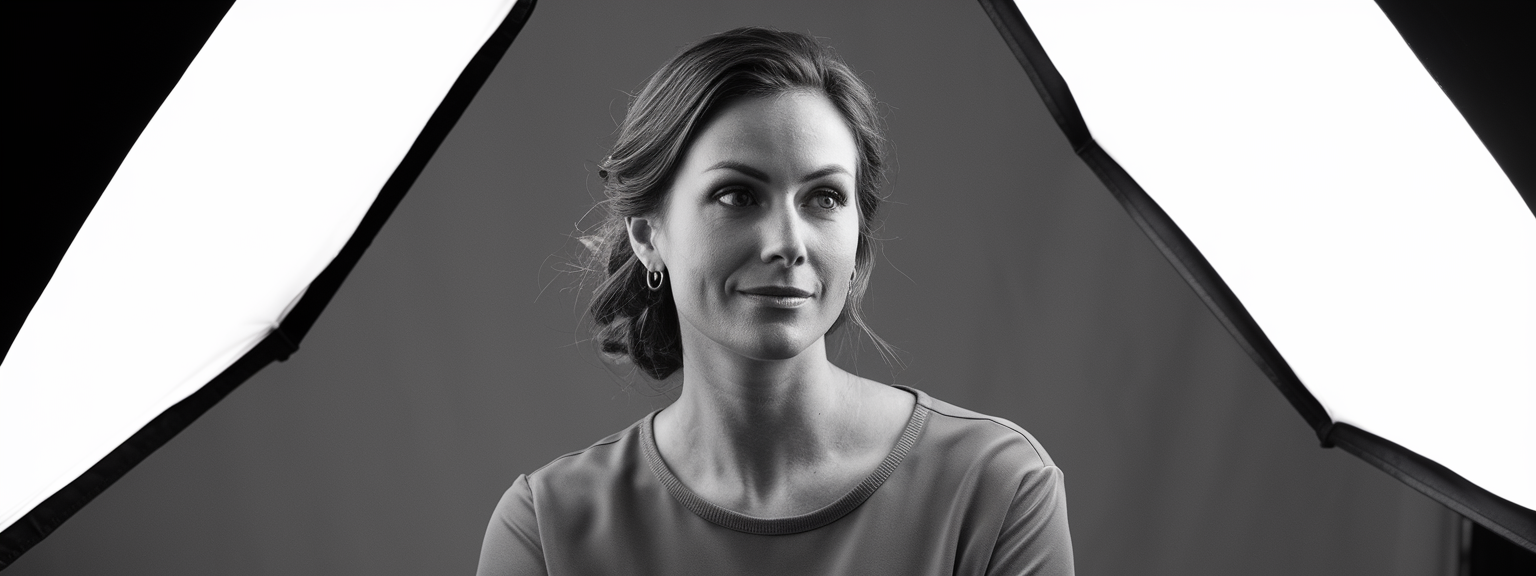
- Lighting: Reflectors, speedlights, softboxes, beauty dish, grids and flags to shape light.
- Workflow: Tethering and immediate backup reduce reshoot risk and ensure color continuity.
Camera Settings & Exposure Strategy
Begin with aperture as your primary creative control. For headshots, set f/1.8–f/2.8 to create shallow depth of field. For three-quarter or full-body frames, stop down to f/4–f/5.6. Keep shutter speed above 1/160s when using strobes, and select base ISO where skin detail is preserved — typically ISO 100–400. Set white balance using a gray card when possible, because accurate skin tones are essential for portrait editing techniques.
Lighting Setups — Quick Reference
- Rembrandt: Key softbox 45° above eye line; reflector as fill to maintain a soft triangle of light.
- Butterfly: Key light centered and elevated; reflector under chin for beauty and headshots.
- Split: Dramatic 90° key for mood; add rim light to keep separation.
Posing & Directing Workflow
Begin sessions with relaxed, conversational prompts. Use micro-adjustments: lower the chin slightly, angle the shoulders, and shift weight to the back foot. For hands, direct subjects to gently grip or rest fingers in natural positions. These small changes improve posture and reduce the need for heavy digital correction later in portrait editing techniques.
On-Set Workflow & Tethering
Tether to a calibrated laptop when possible. This allows immediate confirmation of exposure, catchlights, and pose. As a result, you save time in post and deliver consistent portrait lighting tips during the shoot. Back up files immediately to two separate devices.
📌 Practical Applications: Portrait Photography
Headshots (Corporate & Actor)
For corporate headshots, favor clean, even lighting and a neutral backdrop. Use butterfly or Rembrandt lighting depending on facial structure. For actor headshots, introduce varied expressions and slightly more contrast. In addition, deliver multiple background options (white, gray, black) to increase client usability. Preserve skin texture during portrait editing techniques and avoid over-smoothing.
Editorial & Fashion Portraits
Fashion work emphasizes stylized lighting and deliberate posing. Use beauty dishes and grids for sculpted light. For editorial looks, experiment with gels, mixed lighting, and pronounced color grading. However, maintain careful retouching ethics and avoid altering body proportions in a way that misrepresents the subject.
Natural Light & Lifestyle
Natural light portraits rely on location scouting. Use open shade or window light for consistent soft illumination. Golden hour backlight produces rim separation; use a reflector for face fill. For lifestyle sessions, capture candid interactions and environmental context to tell a story in every image.
Family, Group & Environmental Portraits
For groups, use larger soft modifiers and position subjects staggered to avoid flat lines. For environmental portraits, balance subject exposure with the background. Maintain enough background detail to provide context, while using focal length and aperture to control depth of field effectively.
What type of portrait session do you book most often — headshots, lifestyle, or editorial — and which portrait lighting tips would you like as a printable guide?
Each application requires adjusted posing for portraits and a targeted editing workflow. For example, headshots demand subtle skin retouching and selective sharpening of the eyes. Conversely, fashion portraits often use more aggressive color grading and stylized retouching workflows. Use consistent naming conventions such as “portrait-studio-rembrandt-85mm.jpg” for SEO and archive clarity.
💡 Tips & Tricks: Portrait Photography
Quick Wins on Set
- Use eye catchlights by placing your key light slightly above and offset — this brings eyes to life immediately.
- Increase background blur by moving the subject farther from the backdrop and using a longer focal length.
- Flag reflections with black cards to manage specular highlights on glasses and jewelry.
- Use a reflector choice deliberately: white for soft fill, silver for contrast, and gold for warmth during golden hour.
Practice a standard three-light setup until you can place modifiers and set ratios in under five minutes — then vary one element to create different moods.
- When using HSS outdoors, balance flash power so skin tones are natural and shadows retain texture.
- Keep a printed posing cheat-sheet on set to speed up direction for non-model clients.
- Use grids or snoots to create low-key portraits and preserve background darkness without extra post work.
📸 Sample Scenario
Scenario: 45-Minute Golden Hour Lifestyle Portrait Session
This sample demonstrates how to implement portrait lighting tips, posing for portraits, and portrait editing techniques in a short window. Begin by scouting a location with open shade and a clean rim light. Set the camera to RAW and prepare both 50mm and 85mm lenses. Use a white reflector for fill and carry a small speedlight for hair rim if needed.
Execution — 45 Minutes
- 10 minutes: Scout, set exposure, test shots with reflector. Confirm wardrobe and mood with client.
- 5 minutes: Warm-up with walking and candid prompts to create natural expressions.
- 15 minutes: Capture headshots and mid-length frames at f/2.0–f/2.8, prioritize eye focus and catchlights.
- 10 minutes: Full-body and environmental frames at f/2.8–f/4; step back to include context and use longer focal length for compression.
- 5 minutes: Review favorites with client, reshoot any key frames, and initiate immediate backup.
Post-Processing Workflow
Import all RAW files, apply lens profile corrections, and batch adjust exposure and white balance. Select top frames for advanced portrait editing techniques: frequency separation for texture-control, subtle dodge & burn to sculpt facial planes, healing brush for stray hairs, and selective sharpening for eyes and lips. Export web-ready JPEGs and high-res print TIFFs with appropriate color profiles.
✅ Key Do’s for Effective Usage
Essential Practices
- Do shoot in RAW and use a gray card for consistent color reproduction across sessions.
- Do maintain natural skin texture during portrait editing techniques; avoid heavy smoothing.
- Do communicate directions clearly and positively to put subjects at ease and reduce stiffness.
- Do use focal length appropriate to the subject and working distance for flattering perspective.
❌ Common Mistakes to Avoid
Frequent Errors and How to Prevent Them
- Over-smoothing skin that removes natural pores. Instead, use frequency separation with conservative opacity.
- Using a 35mm lens too close for headshots which leads to facial distortion. Choose a longer focal length to avoid this.
- Missing catchlights by placing the key low or directly at eye level; move lights slightly above eye height to create attractive catchlights.
- Clipping highlights on skin. Meter for highlights and retain headroom in RAW for recovery in post.
🔄 Troubleshooting & FAQs
Common Voice-Search Friendly Questions
Q: How do I make my portraits look less flat? A: Add a rim or hair light to separate subject from background. In addition, use subtle dodge & burn to create depth and increase contrast selectively.
Q: What are the best portrait lighting tips for backlit golden hour shots? A: Use a reflector or low-power fill flash to expose the face correctly while preserving rim light. Position the subject so that the sun creates a hair rim but does not blow out highlights.
Q: How can I avoid reflections in glasses? A: Raise the key light slightly, tilt the glasses, and use off-axis lighting. When necessary, use polarizing filters outdoors, though these have limited effect on shiny curved surfaces.
Q: What focal length should I use for portraits on a crop sensor camera? A: Multiply the full-frame equivalent by the crop factor. For example, a 50mm on APS-C behaves like ~75mm, which is suitable for headshots and provides flattering compression.
Q: What AI tools help portrait workflows? A: Use Adobe Sensei in Lightroom and Photoshop for masking and subject selection, Topaz DeNoise AI for noise reduction, and Luminar AI for batch enhancements. However, always review AI results to preserve natural skin texture and accurate colors.
Q: Why are my subject’s eyes out of focus when shooting wide open? A: Wide apertures yield razor-thin depth of field. Use eye-AF, single-point focus on the nearest eye, or stop down to f/2.2–f/2.8 for safety.
🖼️ Bringing It All Together
Final Workflow Checklist
- Prepare: Confirm brief, shot list, and gear. Include gray card and backup drives.
- Communicate: Build rapport and demonstrate poses. Use short, kind directives for quick results.
- Control Light: Choose modifiers to match your portrait lighting tips and desired mood.
- Edit: Start with global corrections in Lightroom and complete portrait editing techniques in Photoshop with non-destructive layers.
Ready to improve your portraits? Download a printable posing cheat-sheet or request a customized lighting diagram for your next shoot.
Portrait photography demands disciplined preparation, controlled lighting, and respectful direction. Use the strategies above to refine your on-set decisions, and apply portrait editing techniques that preserve identity and texture. Consistency comes from repeated practice, careful review of results, and a willingness to adapt lighting and posing to each subject’s unique features.
By applying these portrait lighting tips and posing for portraits strategies, you will produce images that are technically sound and emotionally compelling. Remember to document your setups and create templates for commonly requested looks to improve efficiency and client satisfaction.

![[Sunrise over a mountain valley with wildflowers in the foreground — landscape photography showing golden-hour light and wide-angle composition.]](https://lenslesson.com/wp-content/uploads/2025/12/landscape-photography-breathtaking-sunrise-scene.png "[Breathtaking Landscape Photography Sunrise]")
![[Person at desk using laptop and notebook to level up your skills]](https://lenslesson.com/wp-content/uploads/2025/12/level-up-your-skills-planning-workspace.png "[Level Up Your Skills Workspace]")
![[Person journaling at a sunlit desk capturing daily creative inspiration with a notebook and coffee.]](https://lenslesson.com/wp-content/uploads/2025/12/daily-creative-inspiration-journaling-ideas.png "[Daily Creative Inspiration Journaling]")
![[Photographer editing images on a monitor demonstrating post processing essentials workflow]](https://lenslesson.com/wp-content/uploads/2025/12/post-processing-essentials-overview.png "[Post Processing Essentials Demo]")